Monke Mod Manager Download For Free
Download the latest version of Monke Mod Mangager. Monke Mod Manager lets you to add and remove mods in Gorilla Tag VR game. Download now free for Windows.
Download the latest version of Monke Mod Mangager. Monke Mod Manager lets you to add and remove mods in Gorilla Tag VR game. Download now free for Windows.
Table of Contents
ToggleMonke Mod Manager is a free, third-party tool that installs and manages mods for Gorilla Tag automatically. It replaces manual file copying with a one-click installer. Players use it to add mods such as Map Loader, BepInEx, and Utila without editing game folders manually. The tool runs on PC VR headsets connected through SteamVR, including the Meta Quest 2, Quest 3.
Gorilla Tag was popularized through social media and had reached 10 million total players by June 2024. A modding community has grown around the game, creating tools such as BepInEx and The-Graze Mod List. The manager itself is open-source and maintained on GitHub.
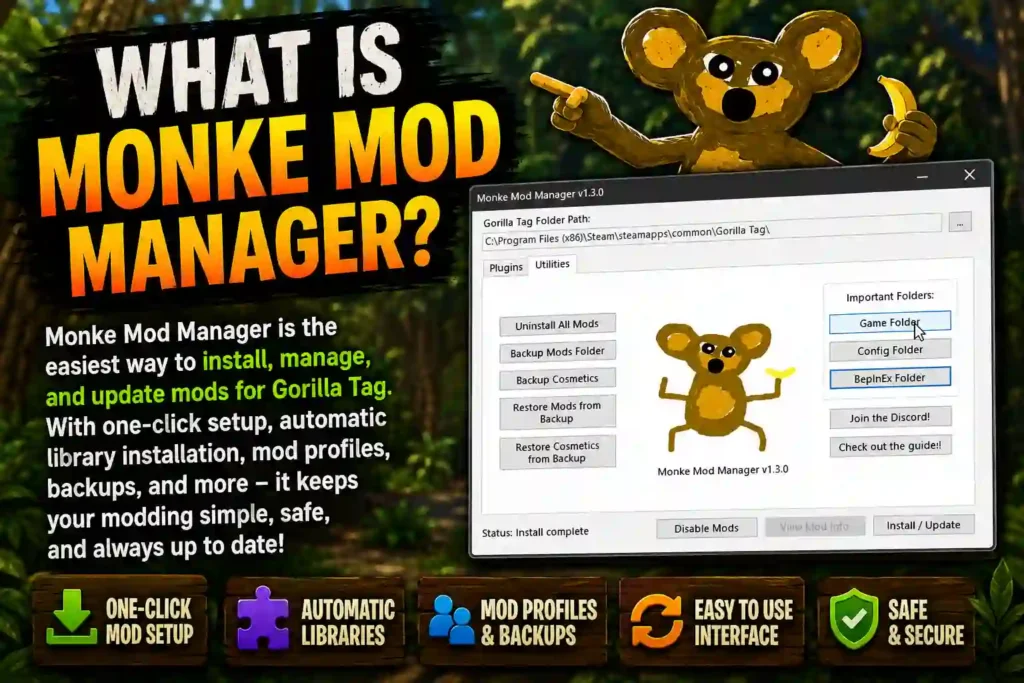
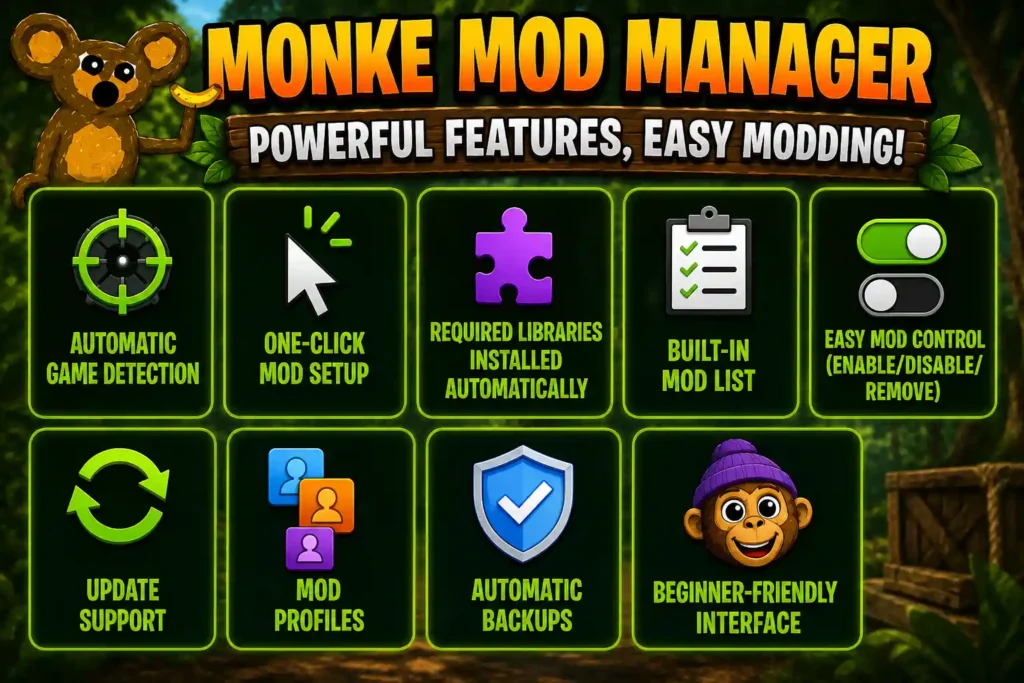
Monke Mod Manager is packed with features that players can use with no prior experience as well. Following are some features.
A built-in list shows mods that are tested and known to work. Players can browse options instead of searching multiple websites. Examples include movement mods like Bhop and cosmetic packs like Custom Cosmetics. The list updates as new mods are added by the community. This lowers the risk of installing broken files.
Monke Mod Manager finds your Gorilla Tag installation without manual searching. It scans common install paths on Steam and Oculus automatically. This saves time for new users unfamiliar with folder structures. You can select the Gorilla Tag.exe file manually, if detection fails. This feature reduces setup errors before mods are even installed.
Mods can be turned on, turned off, or removed at any time. This control lets players test mods without permanent changes. Disabling a mod restores closer-to-vanilla gameplay instantly. Removing a mod deletes its files cleanly. No manual folder editing is needed for any of these actions.
Mods install with a single click after they are selected. The manager places files in the correct folders automatically. Users do not need to extract, copy, or move data manually. This removes common setup mistakes like misplaced files. Installation finishes in seconds for most mods.
Mod Profiles let players save and switch between different mod setups. One profile might hold testing mods, while another holds stable mods for private lobbies. Switching profiles avoids reinstalling or removing mods each time. This prevents conflicts between incompatible mods. Profiles make experimenting safer for new and advanced users alike.
Monke Mod Manager installs required libraries like BepInEx without extra steps. Many mods depend on these core files to function. The tool checks for missing components during setup. Libraries are added automatically before mods load. This prevents errors caused by missing dependencies.
Monke Mod Manager checks for mod updates and installs them quickly. Outdated mods can break after Gorilla Tag updates its game files. Running the manager again refreshes installed mods to current versions. This keeps mods compatible with the latest game build. Manual reinstalling is not required.
The interface uses a simple layout with clear buttons and labels. Menus avoid technical terms that confuse new users. Mod selection, installation, and updates are all visible on one screen. This design works well for players with no modding experience. Even first-time users can complete setup without outside help.
Automatic Backups save key game files before any mod changes happen. If a mod causes a crash, the original files can be restored. This reduces the risk of permanent damage to the game. Backups run in the background without extra steps from the user. Restoring one takes only a few clicks.
Monke Mod Manager can be downloaded directly through the link below. The file comes as a single .exe, which runs on Windows without extra installers. No payment or sign-up is required to use it.
To download Monke Mod Manager, follow these steps:
Only download Monke Mod Manager from this link to stay safe. Other websites sometimes host outdated, modified, or unsafe versions of the same tool. These copies may not work correctly or could carry hidden risks. Using one trusted source keeps the setup process simple and avoids unnecessary problems. There is no need to search for the file anywhere else once you have it from here.
Installing Monke Mod Manager only takes a few steps after the download finishes. Windows may show a security prompt since the file comes from an independent developer. Clicking “Run Anyway” allows the program to open normally.
To install Monke Mod Manager, follow these steps:
Using Monke Mod Manager involves picking mods from a list, then installing them with one click. The main menu displays available mods after the manager finishes detecting your game. Each mod shows a short description so you know what it does before adding it. No technical setup is needed beyond selecting checkboxes.
To use Monke Mod Manager, follow these steps:
Monke Mod Manager is safe to use when downloaded from a trusted source. The tool is open-source, meaning its code is publicly visible and reviewed by the modding community. It does not collect personal data or run hidden background processes. Antivirus flags sometimes appear simply because the file is unsigned, not because it contains harmful code.
Safety mostly depends on where you download it from. Copies hosted on random third-party sites are sometimes outdated, repackaged, or modified without notice. These versions can behave unpredictably or fail to install correctly. Sticking to one trusted download source removes this risk entirely and keeps the setup consistent.
Using Monke Mod Manager will not get you banned in most cases. Gorilla Tag mods installed through it generally only work in private or modded lobbies, not in public matchmaking. Most mods are built to stay separate from official servers for this reason. Risk increases mainly when mods are used to cheat or disrupt public games, which goes against the game’s rules regardless of the tool used.
A few habits make the process safer overall. Download the file only once, from one source, instead of comparing multiple links. Keep BepInEx and other required libraries updated through the manager itself. Avoid mods that ask for extra permissions or claim to “unlock” features unrelated to cosmetics or movement.
Monke Mod Manager only works on PC VR, not on Quest standalone mode. It is a Windows program that installs files directly onto a computer. Gorilla Tag must run through SteamVR or Oculus Link, using a cable or Air Link. Quest 2 and Quest 3 headsets without a PC connection cannot use it. There is no official APK version, even though many players search for one. Sideloading the tool onto a headset will not work, since it depends on Windows to run.
There is no official Mac version of Monke Mod Manager. The tool is built for Windows first. A small number of community builds offer limited Linux support, but updates are slower than the Windows version. Mac users would need workarounds like Boot Camp or a Windows virtual machine to try it. These setups are not officially tested and may cause errors. Most Gorilla Tag mods, including loaders like BepInEx, are also designed around Windows, not macOS.
In conclusion, Monke Mod Manager makes Gorilla Tag modding simple for players at any skill level. It detects your game automatically, installs required libraries like BepInEx, and handles mod setup with a single click. Features like mod profiles, automatic backups, and built-in update support keep the experience stable and easy to manage. The tool only works on PC VR through SteamVR or Oculus Link, not on Quest standalone or Mac. Sticking to one trusted download source keeps the process safe, and most common issues, like missed detection or first-launch quirks, have quick fixes. Compared to manual installation or separate mod menus, it remains the most reliable way to add and manage mods without technical guesswork.
Ready to start modding? Download Monke Mod Manager from the link above and get your first mods running in minutes.